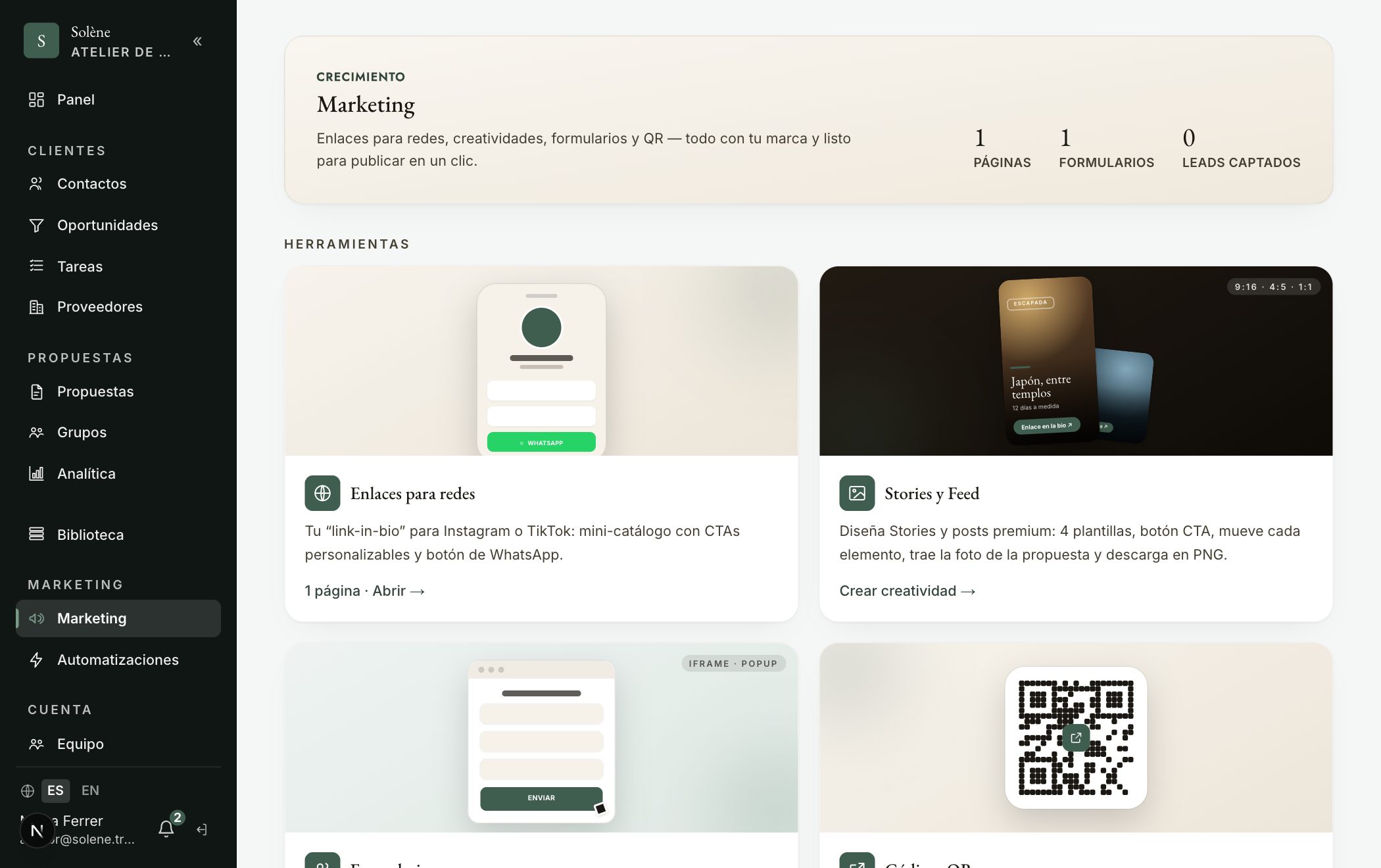
In «Marketing» you can design a branded form and embed it on your website. Each submission flows straight into your CRM as a contact and an opportunity, and can trigger an automation (e.g. routing the lead).
- 1Go to «Marketing» → Capture → «Forms» tab and create one.
- 2Choose the fields you want to ask for (name, email, phone, destination, dates, custom questions…). Reorder your questions with the ▲▼ arrows.
- 3In «Embed», copy the code: it comes with no margins (fits its slot) and a transparent background. In «Typography» type your website's font (a Google Font, e.g. «Poppins») or «neutral» so it blends with your site.
- 4Paste it on your website (iframe or popup). Each submission creates/updates the contact in the CRM and opens an opportunity; if you set up the Meta Pixel, it counts as a «Lead».
Consejo: The form runs in an iframe, so it can't inherit your site's font automatically: set it in «Typography» (we load it for you). In «Marketing → Results» you see your capture metrics at a glance (visits, forms and leads).