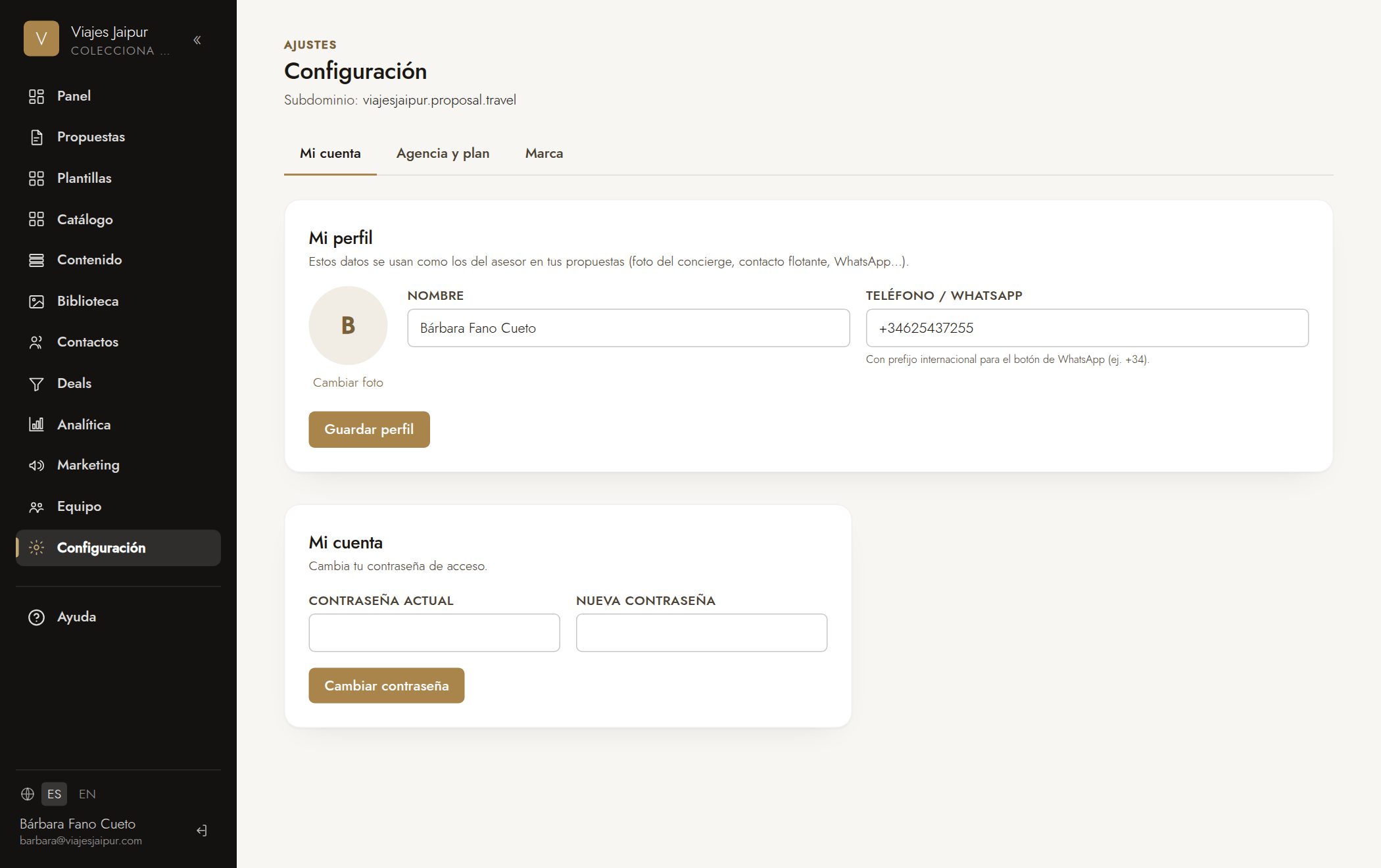
- 1Go to “Settings” → “Agency” tab.
- 2Upload your logo and choose your brand colors (accent and secondary).
- 3Under “Your web address”, set your subdomain: youragency.proposal.travel.
- 4Save: your proposals will automatically use your brand.
✦ Getting started
Still have questions? Write to us at hola@proposal.travel and we'll help.