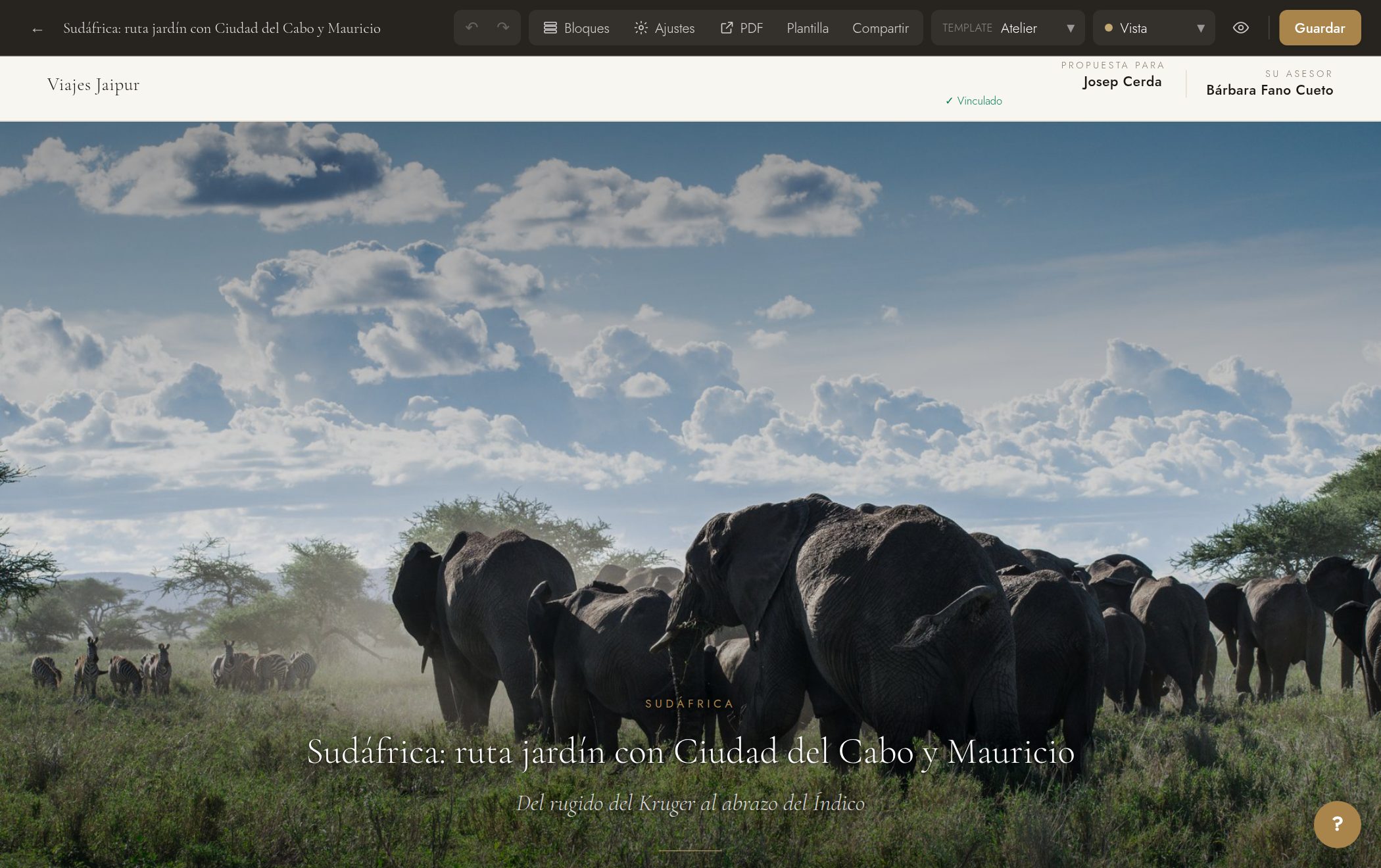
The editor is WYSIWYG: you edit it just as you read it.
- 1Open the proposal from «Proposals» → «Edit».
- 2Click directly on any text and start typing.
- 3Select text to make it bold, italic, or change its color using the floating toolbar.
- 4Use «Clear formatting» (on the floating toolbar) to strip the selected text clean: no bold, color, size, or background.
Tip: Type @ (or press «+ Auto field») to insert fields that fill themselves in, like the client's name or the dates.