How the money is handled: each agency collects into ITS OWN Stripe or Redsys account. Your travelers' money goes STRAIGHT to your bank account through your gateway — proposal.travel never touches, holds or intermediates that money, and we take no per-transaction commission. We only receive the webhook confirmation that the payment succeeded, to mark the booking as paid and send the receipt. You set up your credentials once and you can start charging deposits and installments for groups (and soon the rest of your payments).
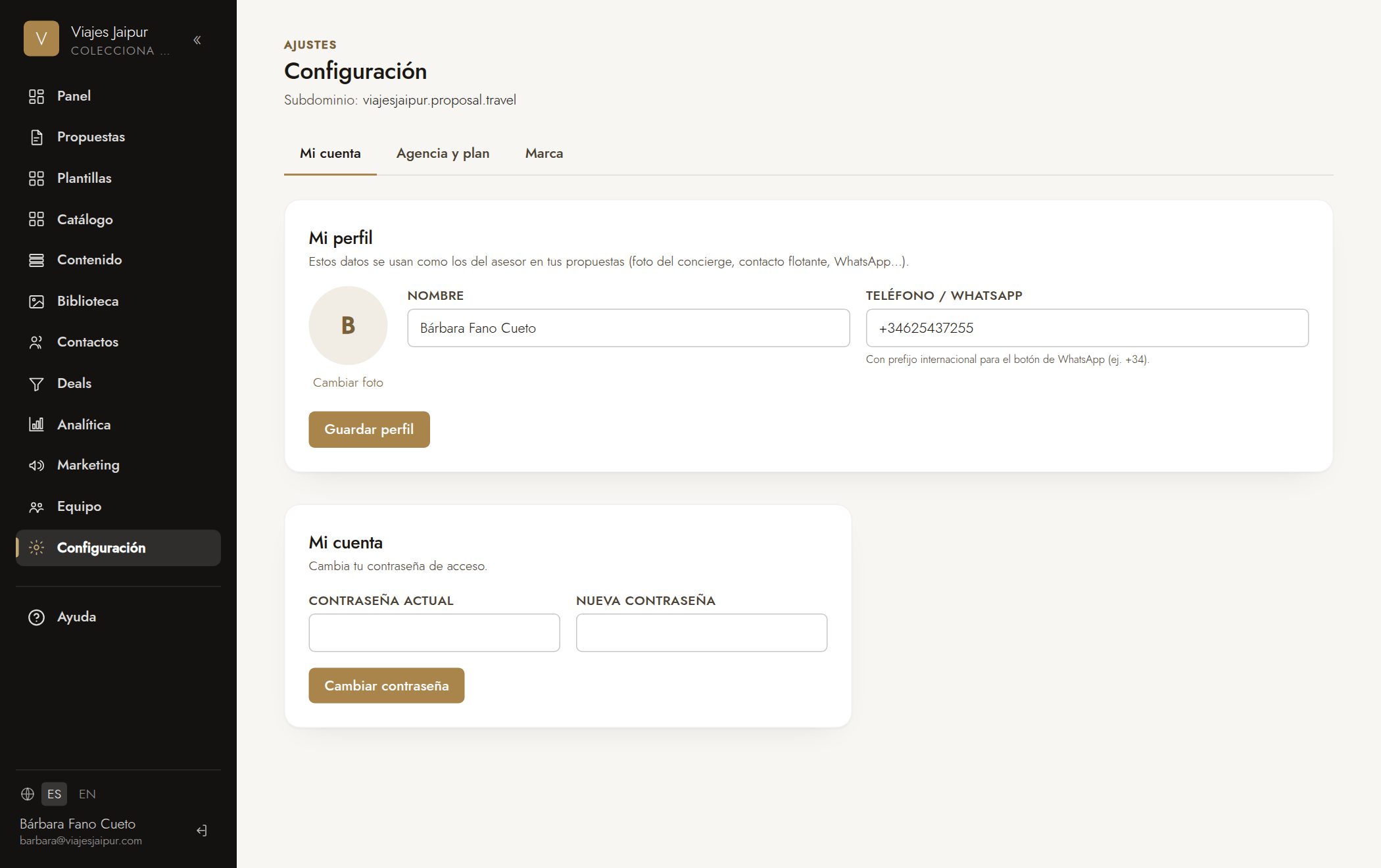
- 1Go to «Settings» → «Payments» tab.
- 2Turn on payments and choose your payment gateway: Stripe (international cards) or Redsys (Spanish banks).
- 3Paste your credentials: for Stripe, the secret key and the webhook key; for Redsys, the merchant code (FUC), terminal and secret key.
- 4In Stripe, create the webhook (Developers → Webhooks / “Create event destination”). Scope: “Your account”. API version: whatever comes up by default (that's fine). Select EXACTLY these two events (search “checkout.session” or open the “Checkout” category): “checkout.session.completed” and “checkout.session.async_payment_succeeded”.
- 5Destination type: “Webhook endpoint”. Paste the URL we show you (…/api/payments/stripe/your-agency). Payload style: “Snapshot” (the full one — NOT “thin”, which omits the payment data).
- 6Create the webhook, copy its signing secret (whsec_…) and paste it into «Settings → Payments» for your agency. Done: group sign-ups charge the deposit automatically.
Consejo: Start in test mode to try it out, and switch to live mode once everything works. Your credentials are stored encrypted. The CHARGE CURRENCY comes from each proposal's price block (its currency selector: €, $, MXN…), not from a global setting.