By default, notifications go out from proposal.travel. If you set up your SMTP, communications with your clients will go out from your agency's email (more trust and better deliverability).
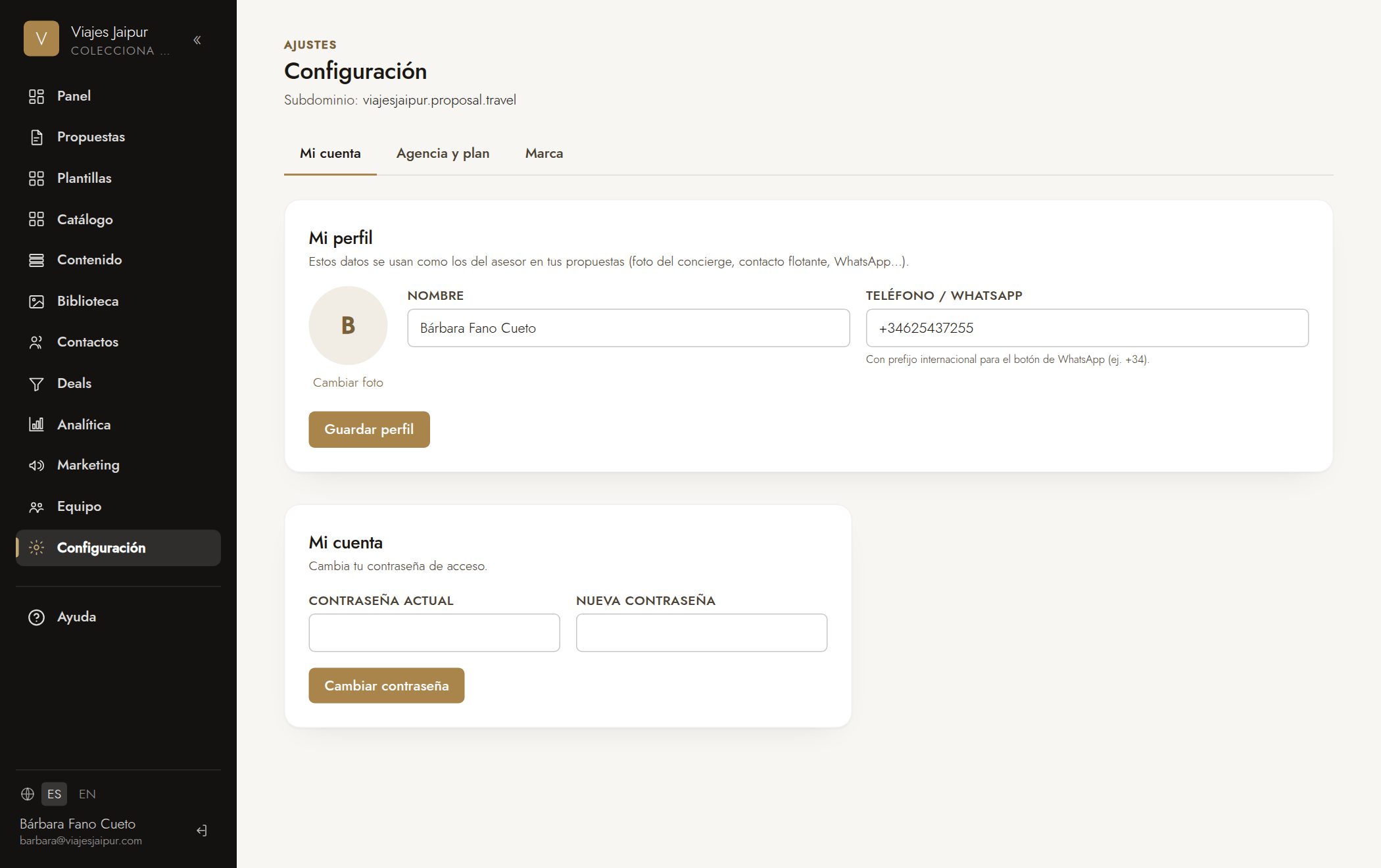
- 1Go to «Settings» → «Email» tab.
- 2Turn on your own sending and enter your SMTP server: host, port, username and password (or App Password).
- 3Set the «From» address (e.g. bookings@youragency.com) and the display name.
- 4Click «Send test email» to check it arrives.
- 5Save. If you don't set it up, we'll keep sending from proposal.travel.
Consejo: With Gmail you need an «App Password» (requires two-step verification). For maximum deliverability, set up SPF/DKIM on your agency's domain.