You can customize the text of the emails your agency sends to its clients (subject and body), with your branding. If you leave them untouched, a default text is used.
- 1Go to «Settings» → «Email templates» tab.
- 2Choose the template: traveler portal link, group booking confirmation, or payment reminders.
- 3Edit the subject and the body. For the client's name, the trip or the amount type @ or press «+ Auto field»: it shows as a tag and fills in on its own when sending.
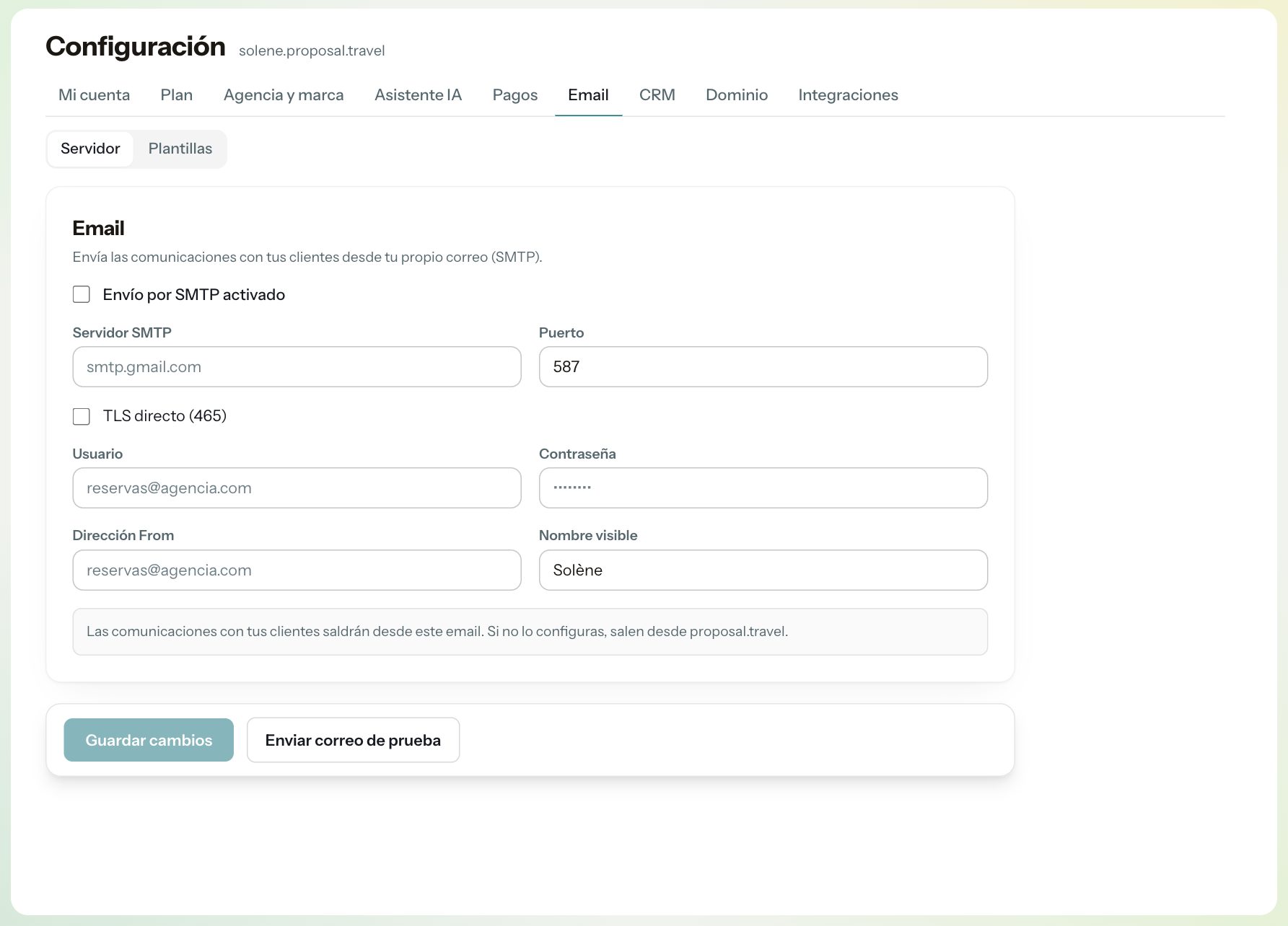
- 4Save. The emails go out from your email (Settings → Email) and with your logo and color.
Tip: Got tangled up? Click «Restore default text» and that template goes back to the original.