An automation lets the CRM work on its own: you choose WHEN it triggers and WHAT happens next, as an ordered list of steps. You can start from a one-click «recipe» or build it from scratch under «Automations».
- 1Go to «Automations»: you'll see the list with search and filters (active, paused, with errors). Click «Use a template» (route leads, follow a viewed proposal after 7 days, follow up after 3 days with no reply) or «New automation».
- 2Choose the TRIGGER (grouped by topic): a lead comes in · inactive contact · special date (birthday, anniversary or important date) · a proposal is sent, opened or reopened · it's accepted · a deal changes stage or spends N days in it · payment received · payment overdue · group sign-up · leaves on the trip · returns from the trip · flight alert.
- 3With «A lead comes in» you choose where from: anywhere, specific forms or landing pages (with search), all except some, or a channel (web, Instagram, Facebook, WhatsApp, API…). «+ Add filter» narrows it by campaign, page, tag, stage, segment, deal value, etc. A plain-language summary appears below.
- 4Add steps with the «+» on the canvas: route/assign an advisor, send an email or a WhatsApp, create a task or a deal, add or remove tags, update a contact field, move the deal's stage, remove it from another automation, add a note or call a webhook.
- 5Control steps: «Wait» X days or hours (or before/after the trip) and «Condition», which splits the path into Yes / No.
- 6Click each step to configure it in the right panel. At the top you set the name, switch it on or pause it, and save.
- 7Every agency gets «Someone opens a draft or unpublished proposal» switched on: if a client opens the link of a proposal that is a draft, unpublished, discarded, lost or archived (so they can't see it), the advisor gets an email to review and publish it. Only the real client counts (not your team or email scanners), at most once every 12 h, and the proposal must have a client linked. You can edit or switch it off like any other.
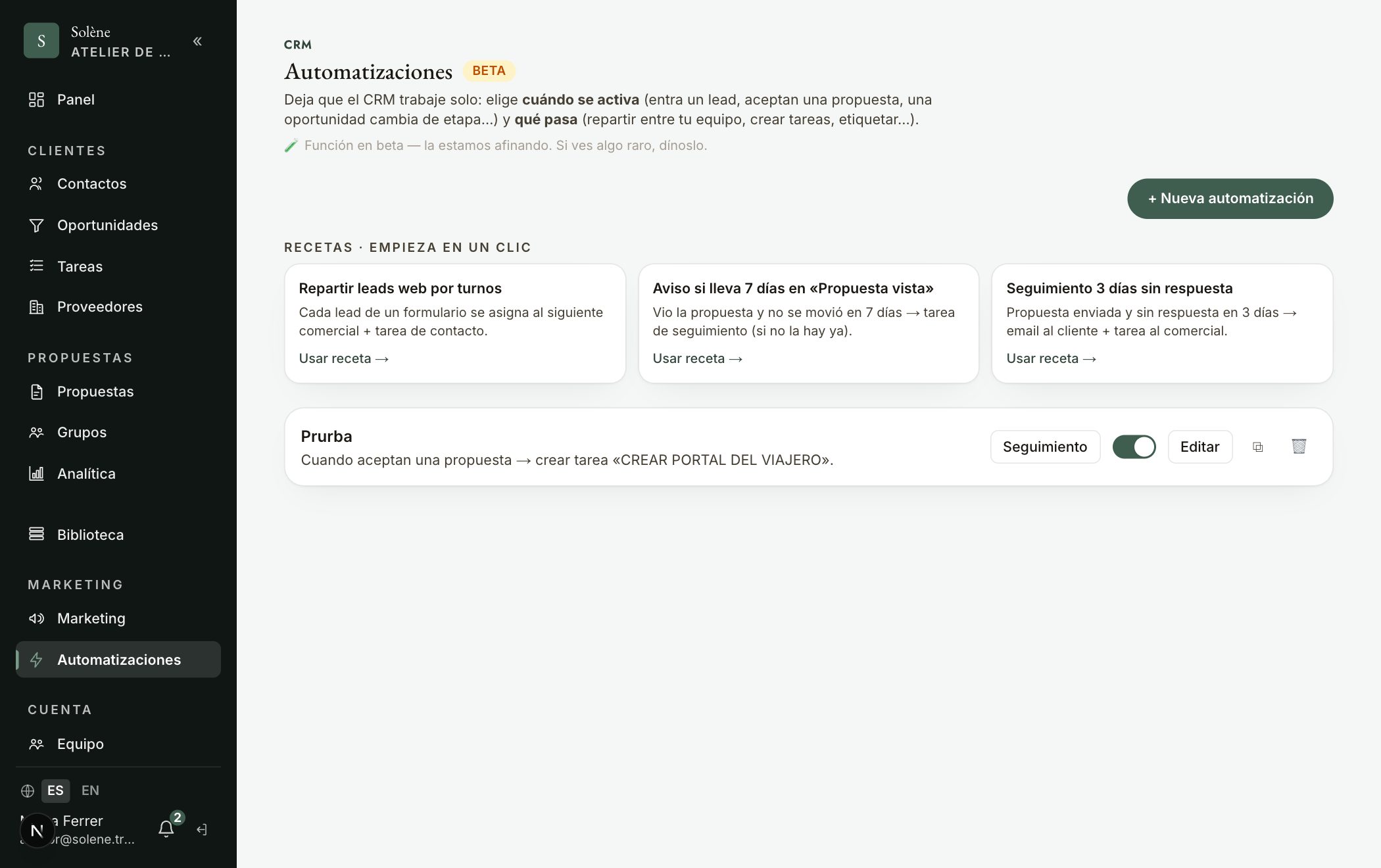
Tip: Your typical example is already a recipe: «A deal has been 7 days in Proposal viewed → if it does NOT already have a «Follow proposal» task → create a call task + send an email». In the email, click a variable ({{cliente}}, {{destino}}, {{etapa}}…) to insert it and «Send test to me» to preview it. For time-based triggers, «Preview who's affected» tells you how many it would reach today.