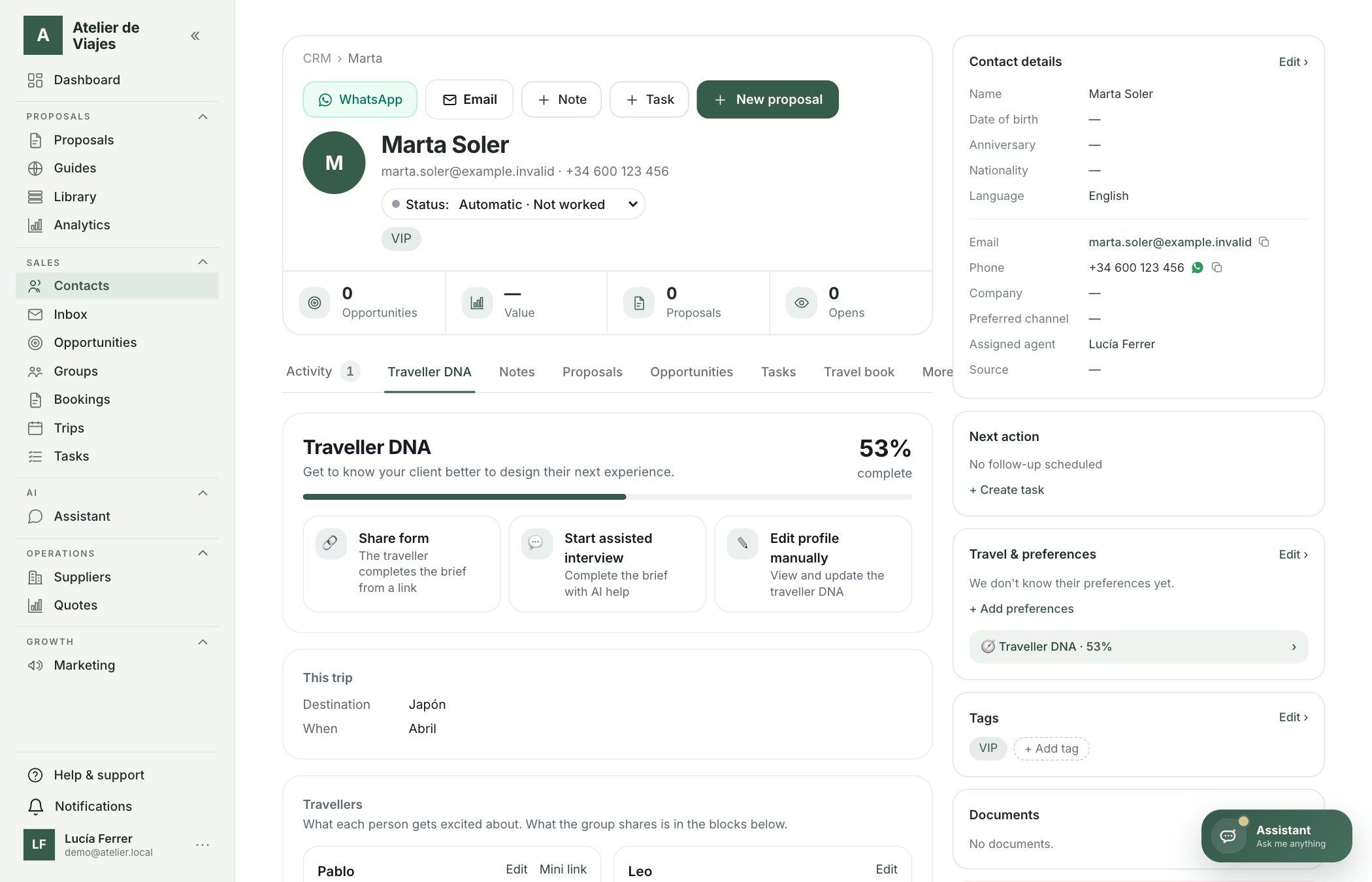
On each contact's record, the «Traveller DNA» tab brings together in 10 blocks how they like to travel: motivations, pace, accommodation, food, transport, budget, companions, needs, history and how they like to deal with the agency. You can fill it in three ways, and the AI uses it as context when creating their proposals.
- 1Open the contact and go to the «Traveller DNA» tab. At the top you'll see how complete it is and the three ways to fill it in.
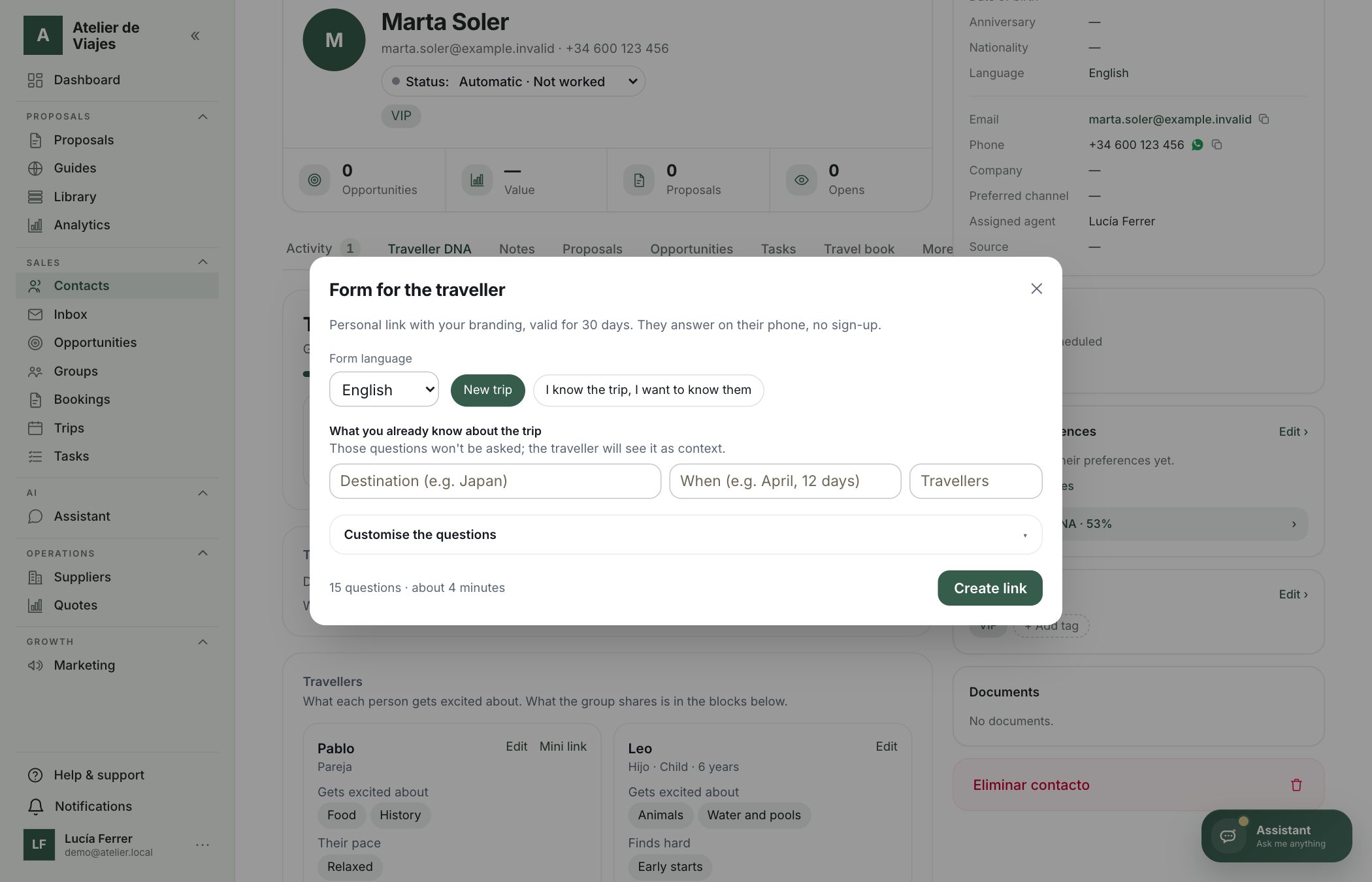
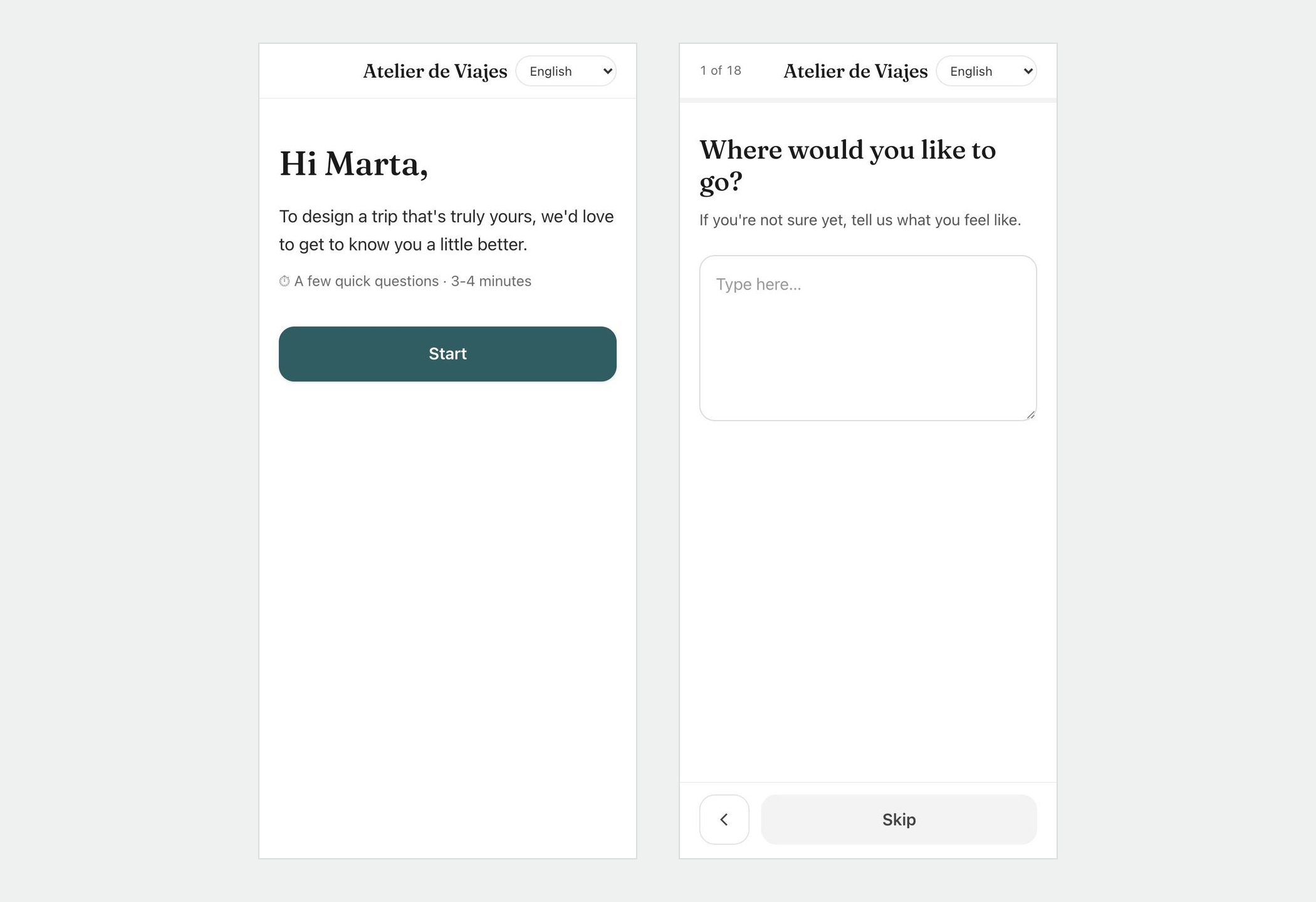
- 2«Share form»: choose the form language, add what you already know about the trip (those questions won't be asked) and click «Create link». Send it by WhatsApp or email: the traveller answers on their phone in 3-4 minutes, without signing up, and the questions adapt (children, honeymoon…).
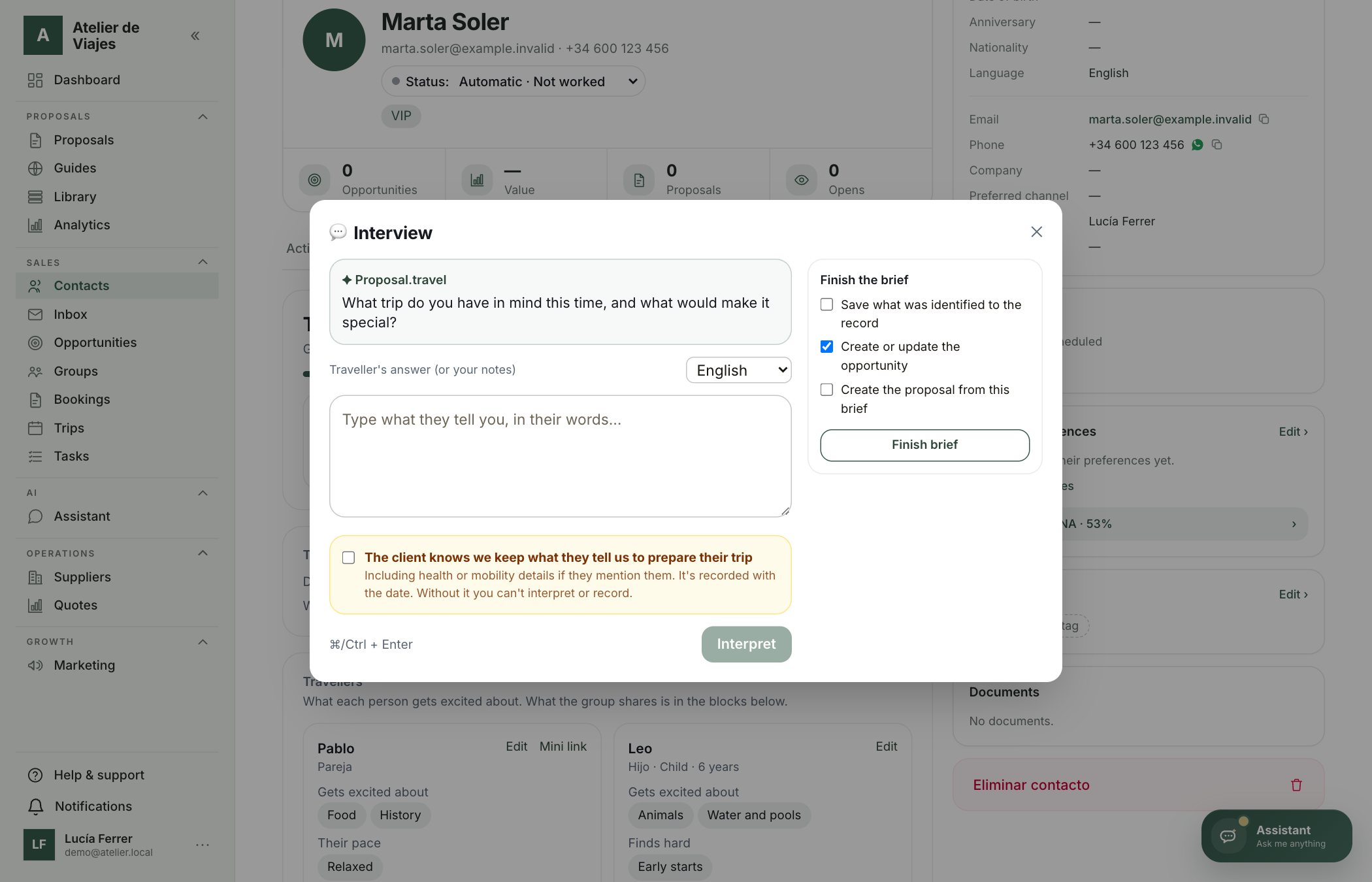
- 3«Start assisted interview»: during a call or meeting, tick that the client knows we keep what they tell us, type their answers in their own words and click «Interpret». The AI picks out preferences and trip details and suggests the next question.
- 4«Edit profile manually»: complete or correct any block whenever you like.
- 5Whatever the traveller says or the AI interprets is «Waiting for confirmation»: confirm or discard it before it goes into their record.
- 6When you «Finish brief» you can save what was identified to the record, create or update the opportunity and prepare the proposal with all that context. The summary is saved as a note on the contact.
Tip: Needs and limits (mobility, allergies…) are sensitive information: they're stored encrypted, only people who can see the contact can view them, and the form only asks if the traveller wants to share them.