Add people from «Team». Each person has a role that defines what they can do.
- 1Go to «Team» and click «Add».
- 2Enter their name and email and choose the role: Owner (manages everything), Agent (creates and edits their own proposals) or View-only (view only).
- 3They will receive an email with a temporary password; they will be asked to change it on first sign-in.
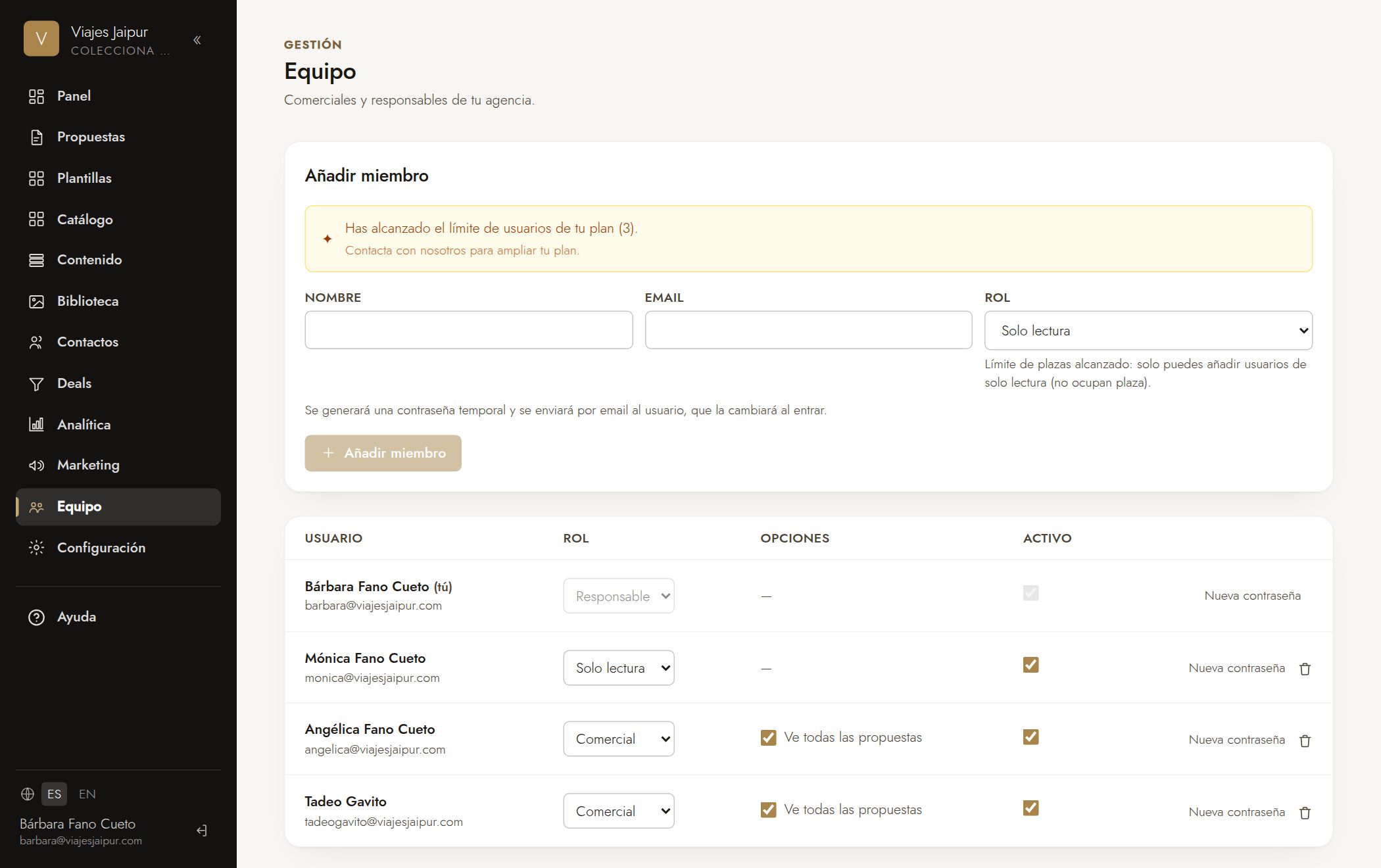
Consejo: An Agent can have «see all agency proposals» enabled, not just their own.