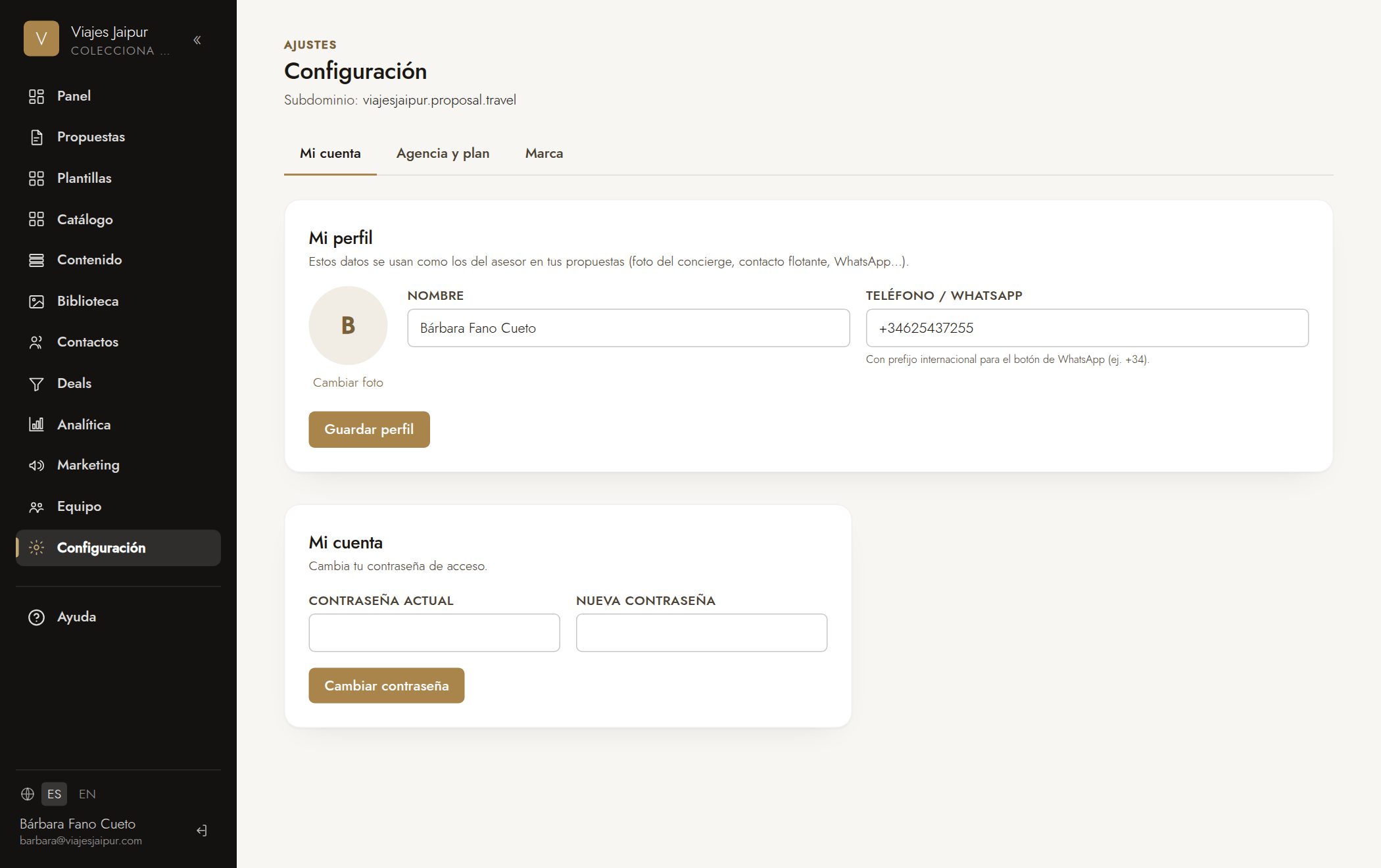
- 1Go to «Settings» → «My account» tab → «My profile».
- 2Add your photo and your phone number.
- 3They will appear in the advisor contact details of your proposals.
👤 Team & account
Still have questions? Write to us at hola@proposal.travel and we'll help.