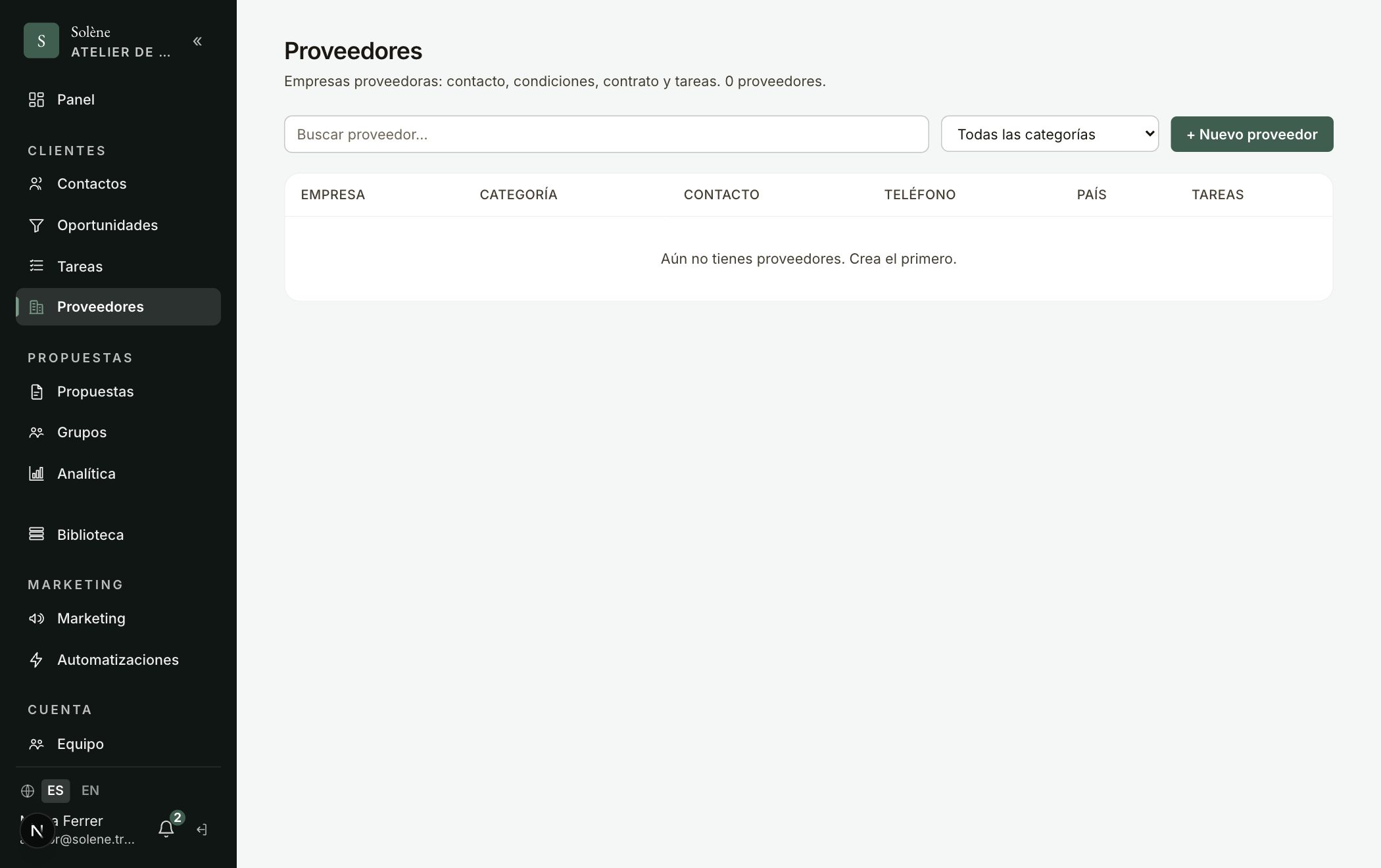
In «Suppliers» you have your supplier directory with everything in one place: contact details, terms, payment terms, the attached contract, tasks and a list of services with their rate. The form is organized into tabs so it isn't a wall of fields.
- 1Go to «Suppliers» and click «New supplier».
- 2«Details» tab: company, category (hotel, DMC, transport, airline, insurance, activities, guide, restaurant, other), country, contact person, email, phone, website, owner and tags.
- 3«Terms & payment» tab: general terms (rates, allotments, cancellations, commissions) and payment terms, plus internal notes.
- 4«Activities» tab: add that supplier's services as structured data — service, price (numbers only), currency (fixed list) and unit (per person, per night…). This will be able to plug into the proposal quoter in the future.
- 5«Contract» tab: upload the contract PDF/document or paste a link (Drive, Dropbox).
- 6On the supplier's record, the «Tasks» tab uses the CRM's same task system (calls, reminders…).
Consejo: Each activity's price is a real number and the currency a closed list: that keeps it clean so it can be dropped into a proposal's quoter later on.